How to Use the Ollama Chat API Locally
Run Ollama on your computer, install a model, and send a POST request to http://localhost:11434/api/chat with the model name and a messages array. Start with stream: false so you can…

Run Ollama on your computer, install a model, and send a POST request to http://localhost:11434/api/chat with the model name and a messages array. Start with stream: false so you can…
Start with a quantized variant that fits your machine, then compare it with another variant of the same model using the same tasks and settings. Judge success by correct answers,…

Start with a few plain-text documents. Split them into passages, generate an embedding for each passage with Ollama, and embed each search query with the same model. Rank passages by…

Use an explicit JSON Schema when a local Ollama workflow needs predictable keys and value types. Pass the schema in the request’s format field, tell the model how to handle…
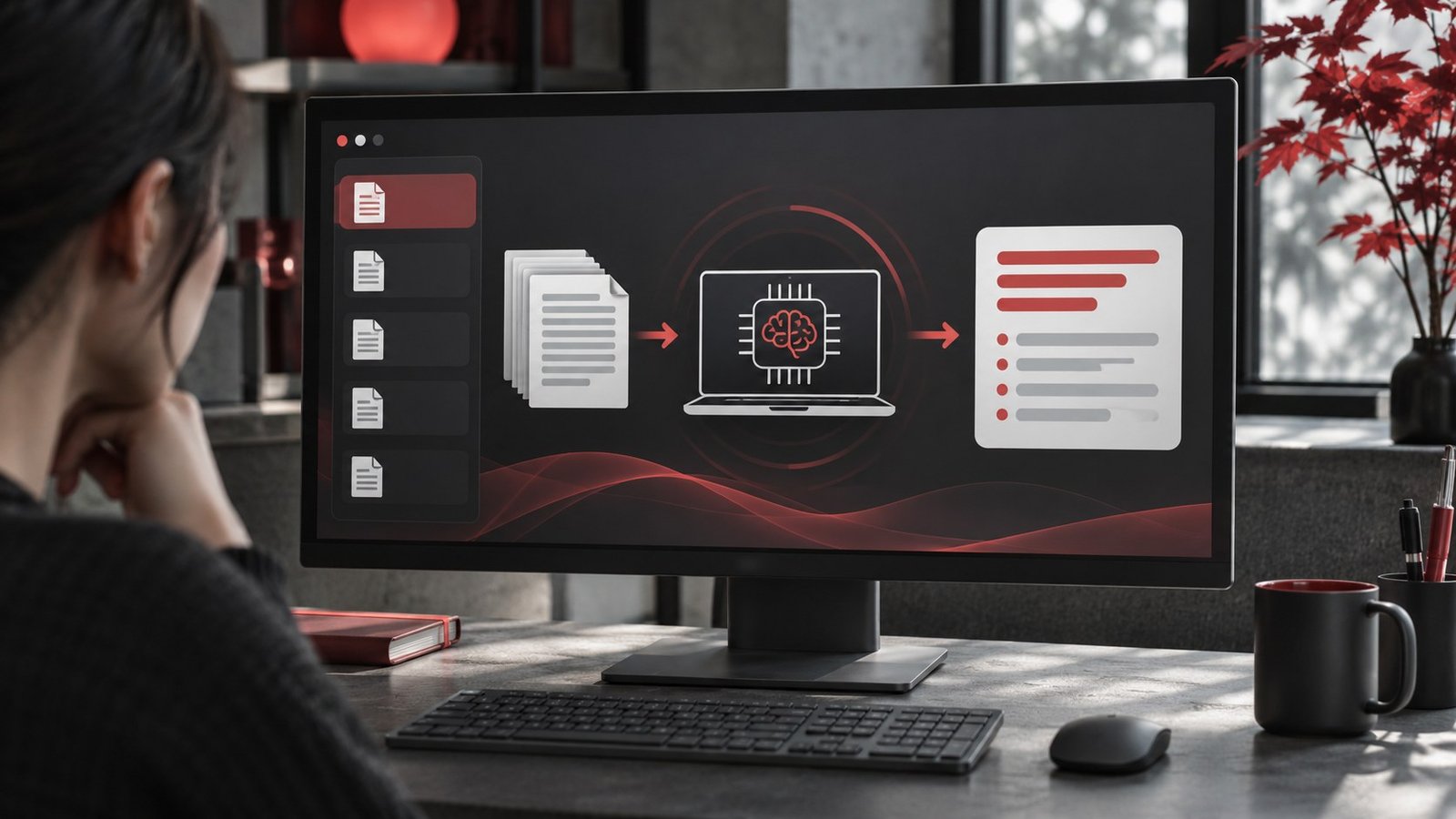
A local AI model can help summarize a long document if you give it text it can read, split the document at meaningful boundaries, and verify important claims against the…

To compare two local AI models, give them the same small set of tasks and score the outputs against answers you prepared in advance. Measure speed separately from accuracy. A…
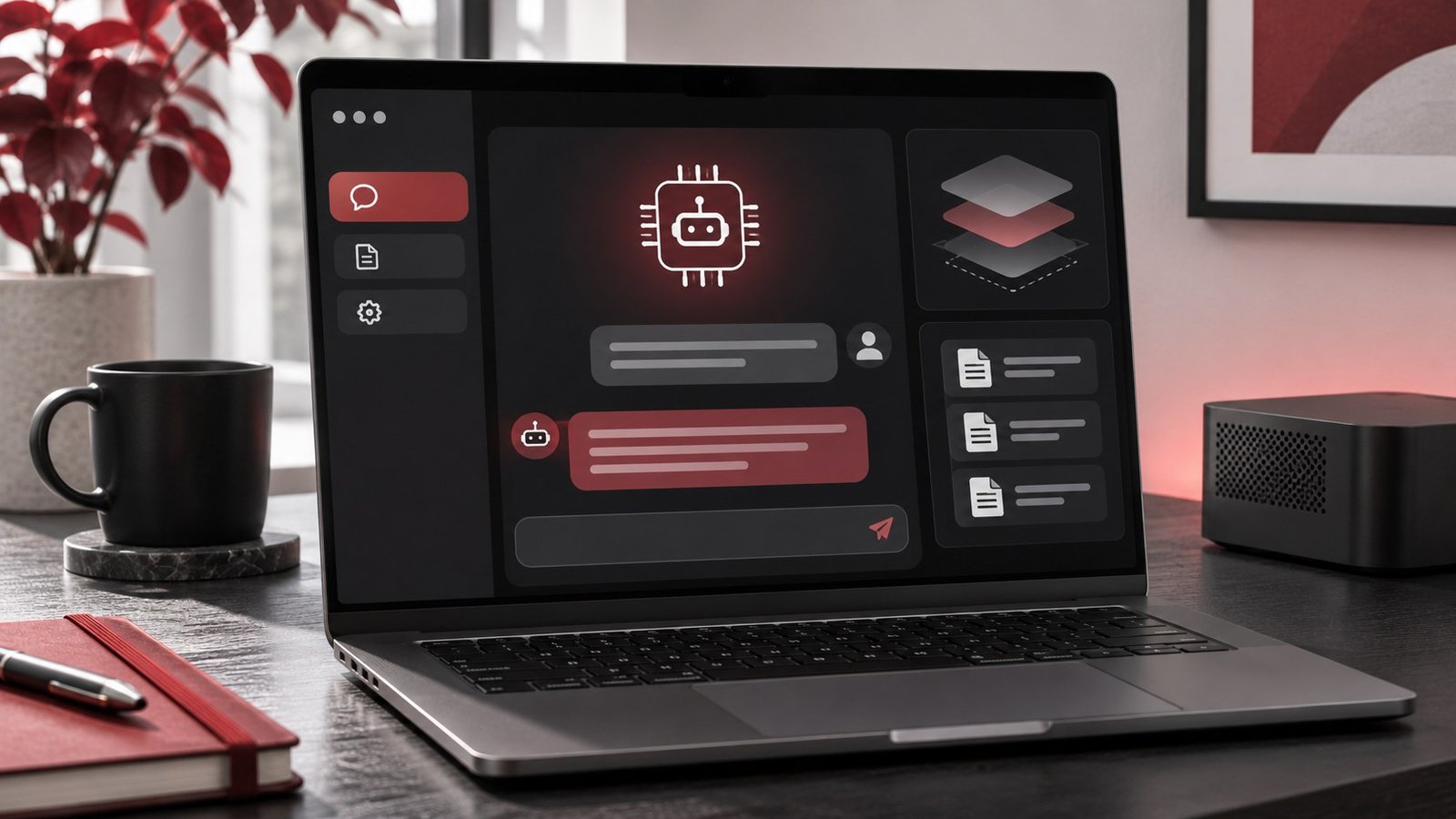
Ollama’s context length controls how much text the runtime makes available to a model for a request. Increase it when a real prompt needs more room for instructions, documents, and…
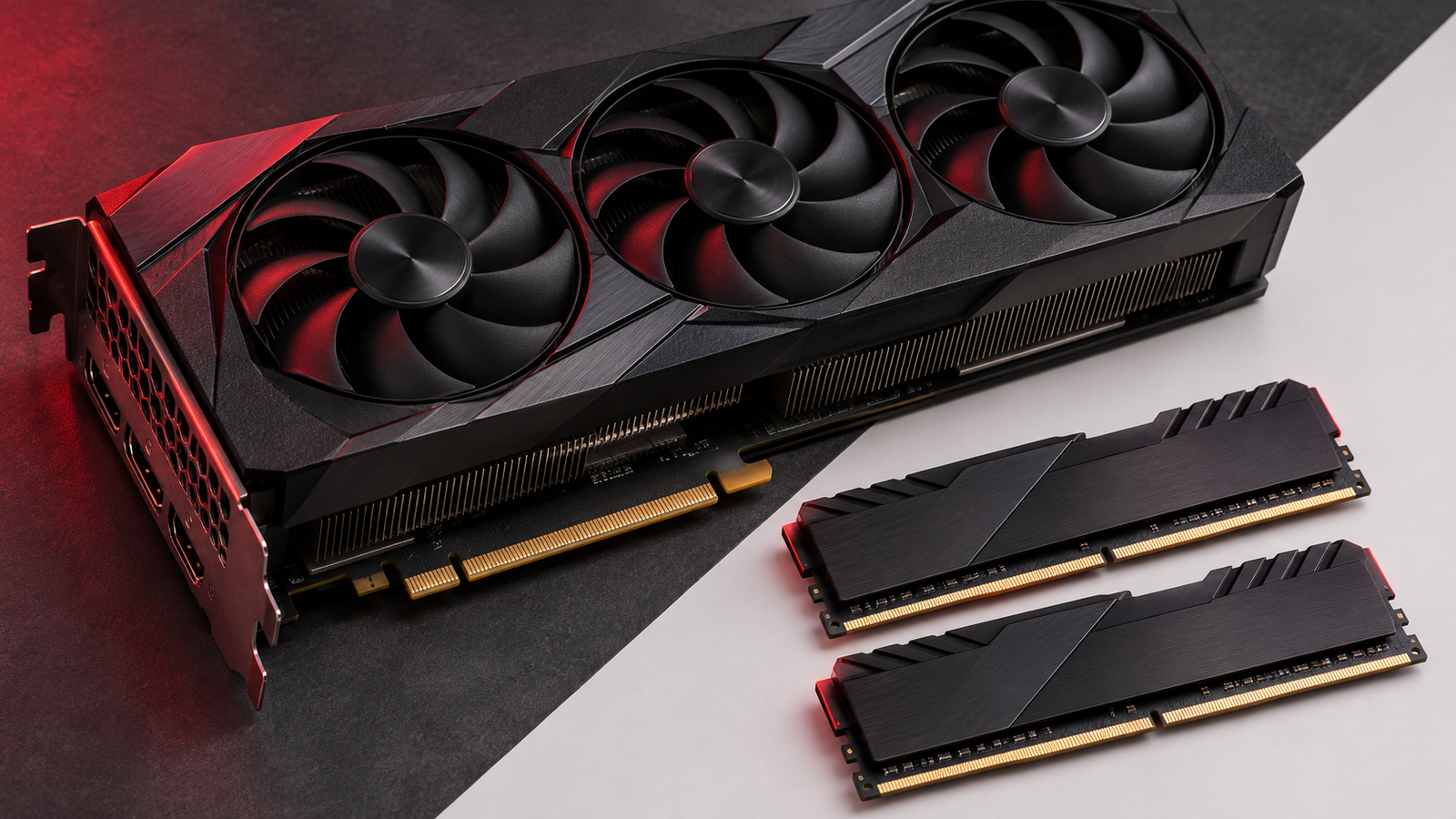
When you run a language model locally, system RAM and GPU memory determine what can fit, while the processor and memory bandwidth help determine how fast it runs. If you…

You can run a text-based AI assistant on a PC or Mac with Ollama and a downloaded language model. Start with a small model, give it one short task you…