How to Use Split Screen on a Google Pixel Phone
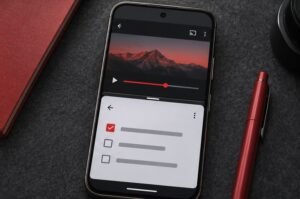
Use split screen on a compatible Google Pixel to keep two apps visible at the same time. Open the overview of recent apps, tap an app’s icon, choose the split-screen…

Use split screen on a compatible Google Pixel to keep two apps visible at the same time. Open the overview of recent apps, tap an app’s icon, choose the split-screen…