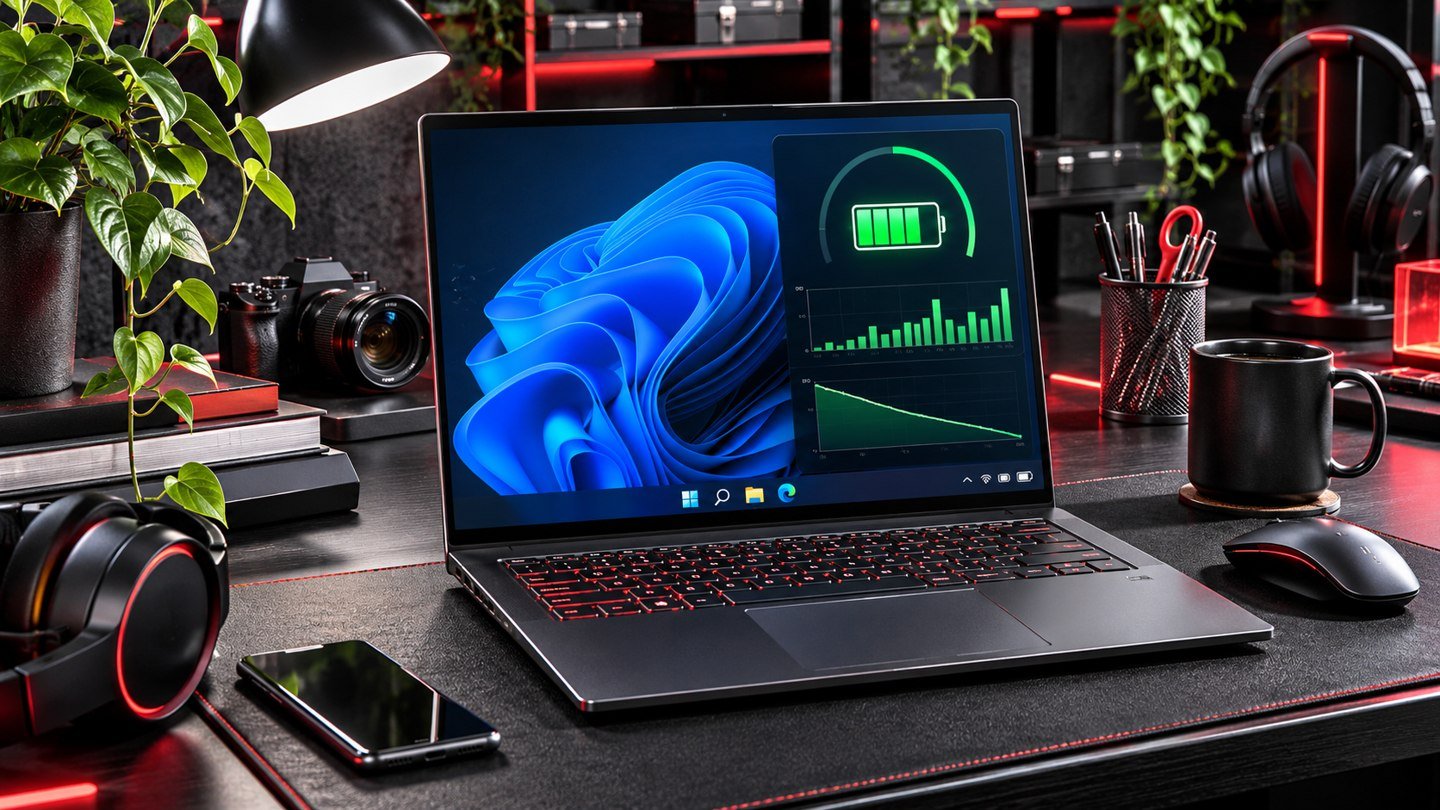
How to Diagnose Windows 11 Sleep Battery Drain With SleepStudy
If a Windows 11 laptop loses a surprising amount of charge while the screen is off, use SleepStudy to see what happened during Modern Standby. Begin by checking that the…

If a Windows 11 laptop loses a surprising amount of charge while the screen is off, use SleepStudy to see what happened during Modern Standby. Begin by checking that the…
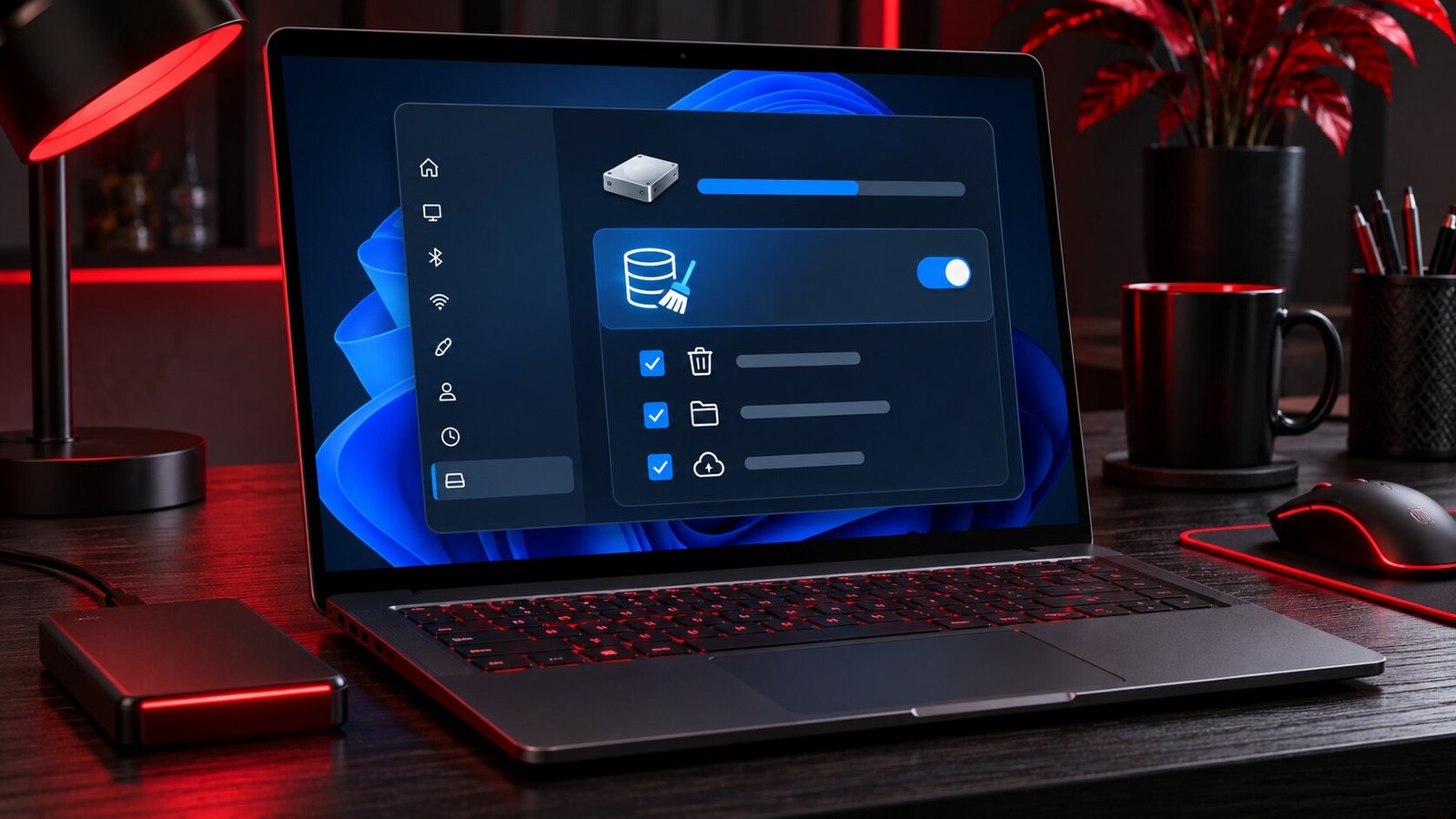
If Windows 11 is running low on disk space, start with Settings > System > Storage > Cleanup recommendations. Windows groups possible cleanup targets so you can review them before…
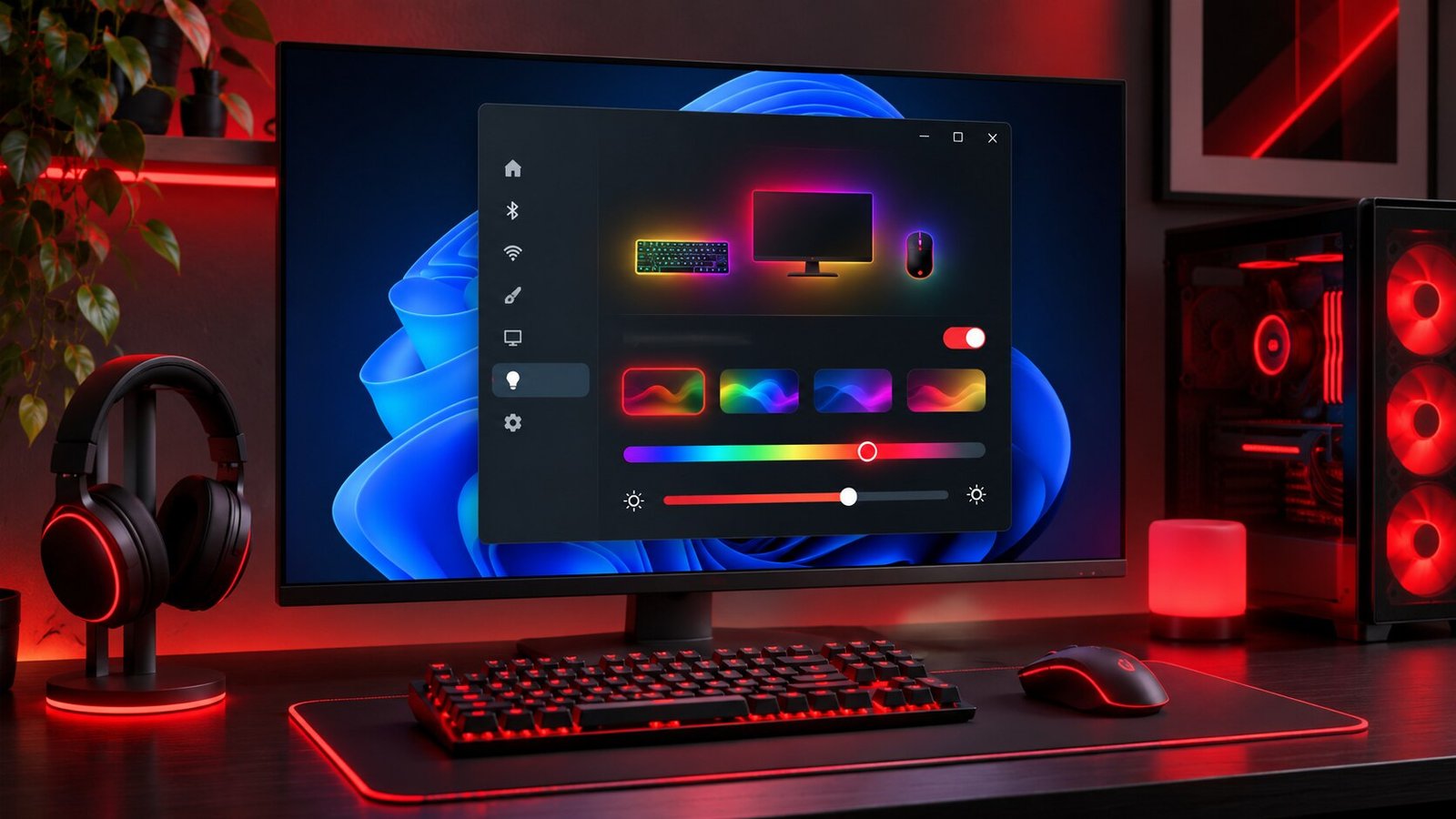
Windows 11 Dynamic Lighting gives compatible RGB devices a shared place for basic lighting controls. If your keyboard and mouse support it, you can set their brightness, choose an effect,…
Turn on Energy Saver from Windows 11 Quick Settings for an immediate change, or open Settings → System → Power & battery to choose how it starts. Compare the same…
Use Windows + Z to open Snap Layouts for the active window in Windows 11. Choose a position and then select the apps you want in the other spaces. Start…
To enlarge text in Windows 11, go to Settings → Accessibility → Text size. Adjust the slider, read the preview, and choose Apply. If buttons and other interface elements are…
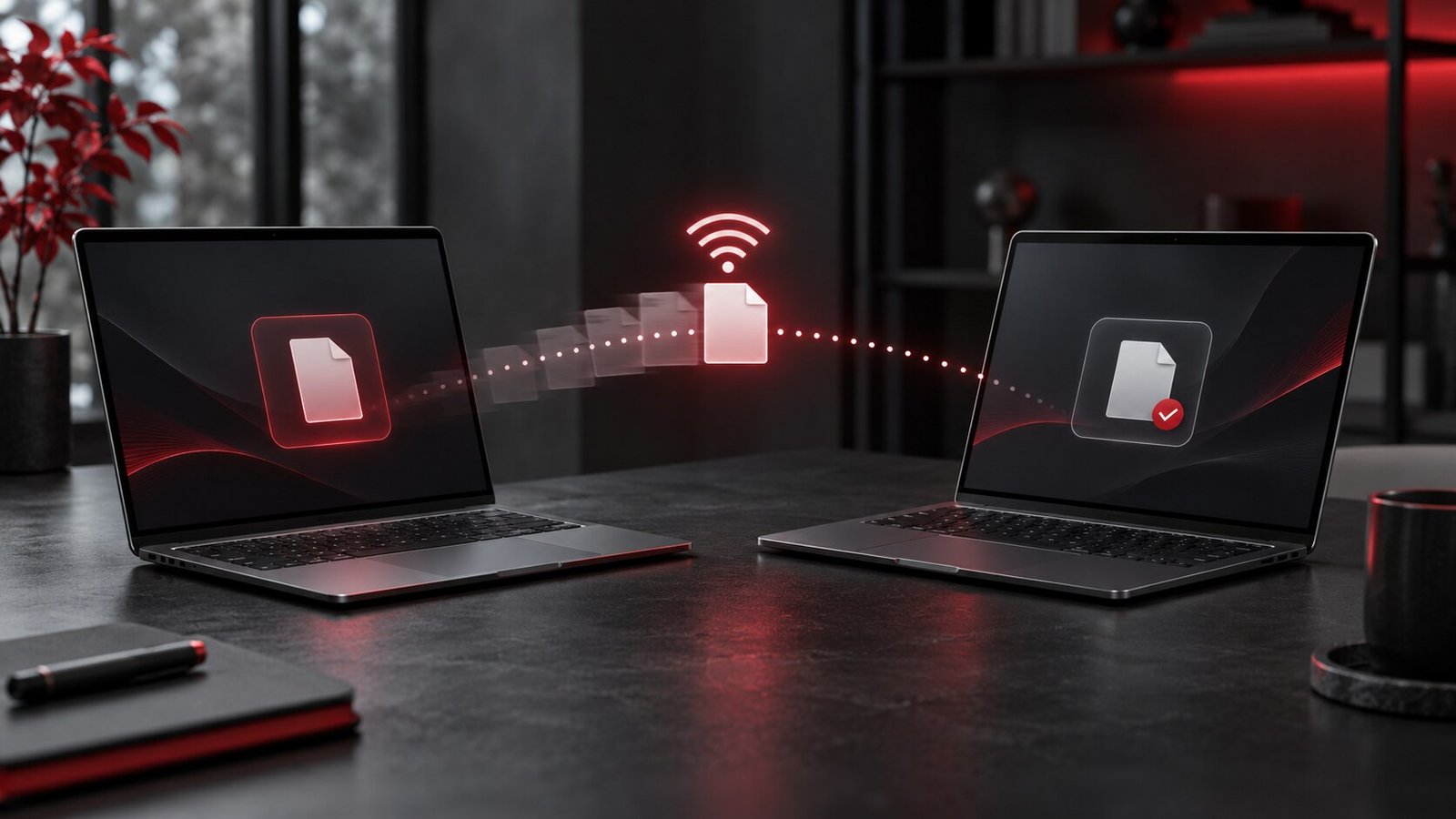
Windows Nearby Sharing sends a file directly between supported Windows PCs without setting up a shared folder. Enable the feature on both computers, open the file’s Share menu, choose the…

Open Settings → Accessibility → Mouse, enable Mouse keys, and use the numeric keypad to move the pointer. Select a mouse button before pressing 5 to click. Test movement and…
Open the taskbar clock, choose a session duration, and start Focus. Windows can turn on Do not disturb and hide some taskbar attention cues during the session. Check your notification…
Open Settings → System → Sound → Volume mixer. Under Apps, expand the active application and choose its output device. Play audio from that app and another app to verify…